Bestseller
📘 Description (विवरण):
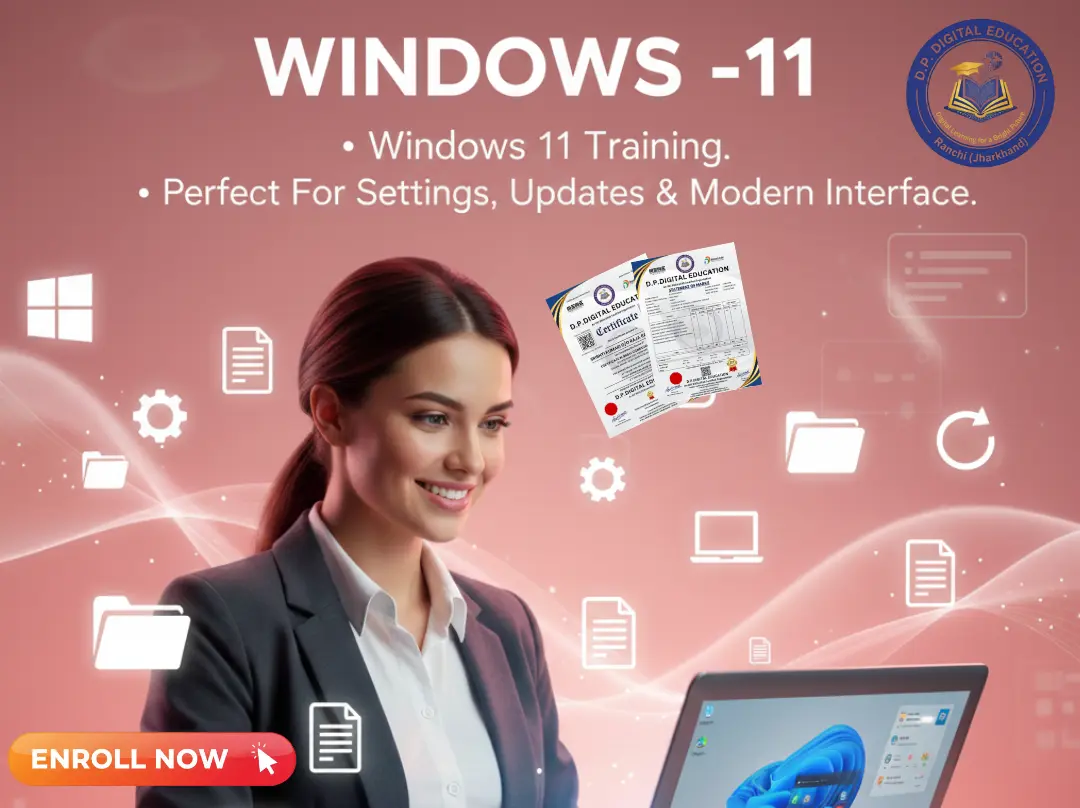
Windows 10 Course में आप सीखेंगे कि कंप्यूटर को Smartly Operate कैसे करें — Files, Folders, Software, Internet और Settings को Manage करना।
यह कोर्स शुरुआती (Beginners) और ऑफिस यूज़र्स दोनों के लिए परफेक्ट है।
🎓 Eligibility (योग्यता):
✅ Minimum Qualification: 8th Pass या उससे अधिक
💻 Mode (मोड):
🟢 Online & Offline दोनों Mode में Available
🕒 Duration (अवधि):
15 Days to 1 Month (Practical Learning)
💡 Main Features:
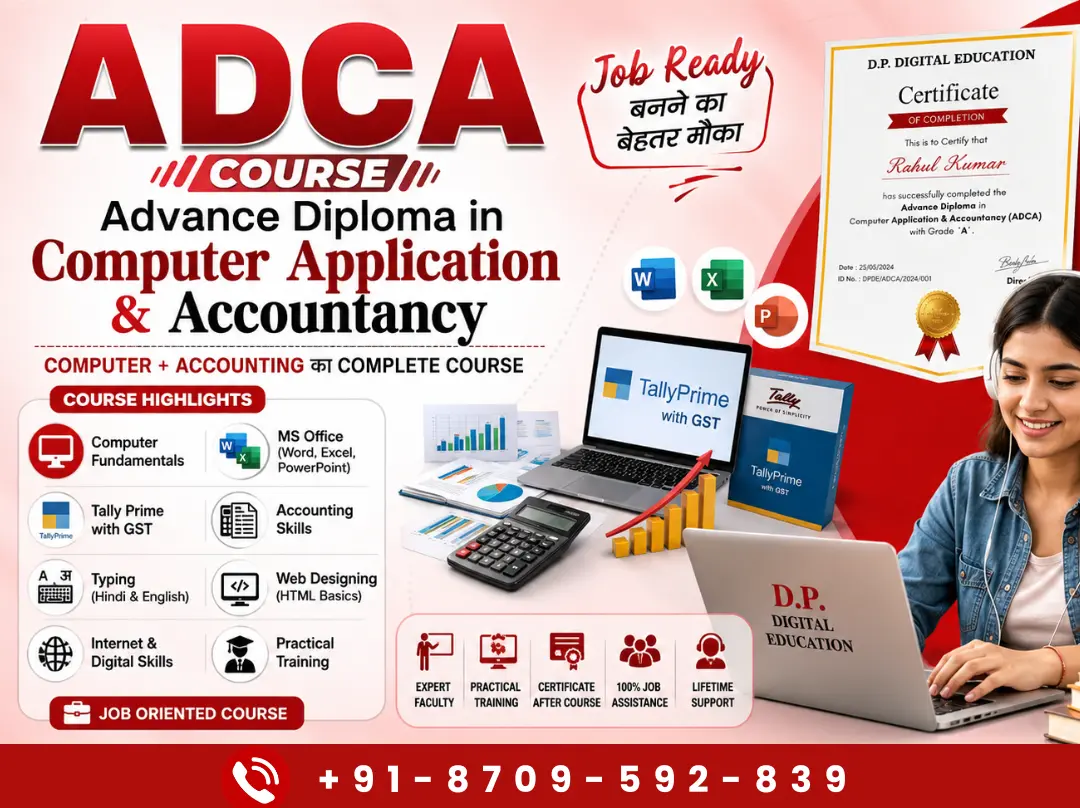
🎥 Recorded Video Course (Hindi Language)
📖 E-Book Available in Hindi
👤 Student I-Card with Login & Password
🧠 Mock Test & Online Exam in Hindi
📜 Online Certificate with QR Code Verification
🕒 Life Time Validity – Study Anytime, Anywhere!
🧩 Syllabus / Modules (पाठ्यक्रम):
📘 Module 1: Introduction to Windows 10
🔹 What is Windows 10?
🔹 Features & Advantages of Windows 10
🔹 Desktop, Icons, Taskbar, Start Menu
📘 Module 2: File & Folder Management
🔹 Create, Rename, Delete, Copy, Move Files & Folders
🔹 Use of Recycle Bin
🔹 Shortcut Create करना और Desktop पर Manage करना
📘 Module 3: Personalization & Settings
🔹 Themes, Wallpaper, Screen Saver
🔹 Display, Sound, and Notification Settings
🔹 Date, Time, and Language Settings
📘 Module 4: Control Panel & File Explorer
🔹 Control Panel का Use
🔹 File Explorer Window
🔹 Folder Options & Properties
📘 Module 5: System Tools & Security
🔹 Disk Cleanup, Disk Defragmenter
🔹 User Account & Password Protection
🔹 Antivirus & Firewall Settings
📘 Module 6: Internet & Connectivity
🔹 Wi-Fi / LAN Connect करना
🔹 Internet Browser Use
🔹 Download & Install Software
📘 Module 7: Advance Features
🔹 Windows 10 Updates
🔹 Cortana & Search Tools
🔹 Task View & Virtual Desktop
📘 Module 8: Assessment & Certification
🔹 Practical Test
🔹 Online Certificate (QR Verified)
Copyright © 2026 DITRP INDIA. All Rights Reserved